Facebook Marketplace Listing Tips: Write a Listing Locals Notice
How to write a Facebook Marketplace listing: photos, title, condition and description, how buyers find items, and why listings get rejected.
Published Updated
Facebook Marketplace is the quickest place to list something, and the quickest place for a listing to disappear into a feed. Most buyers are local, many are browsing rather than searching, and they decide from a photo and a line of text whether to tap.
This guide covers what to put in each part of a Marketplace listing, using Meta's own help pages as the source.
How buyers find your listing
According to Meta, buyers can search for something specific or browse by category, change the location they are shopping in, and sort results by Suggested, Distance or Date listed. In practice that means three things matter:
- The right category, for buyers who browse.
- Words buyers search for, in the title and description.
- A first photo that reads at a glance, for everyone scrolling.
Meta does not publish how Suggested is ranked, so be wary of anyone claiming a trick that games it. A complete, accurate listing is what you can control.
Photos: original, clear, honest
Meta's tips for sellers are short and worth following:
- Use photos that clearly show the item and its condition.
- Use multiple, original photos of the item rather than a photo from a company website.
- You can add a video, and if you do, show and talk about the details a buyer should know.
- Clean used clothing and shoes before you photograph them.
Make the first photo the whole item, in good light, against a plain background. Meta may choose a cover photo for you and may enhance listing photos, so check how the listing looks after you publish.
Title: say what it is first
In a Marketplace feed, the photo carries most of the attention and only the start of the title is visible under it. Put the item first:
IKEA Kallax 4x4 Shelf Unit, WhiteLead with the brand and what the item is, then the size, model or color that separates it from similar listings. Leave out must go, OBO and price firm: they take the space buyers read and say nothing about the item.
Condition and description
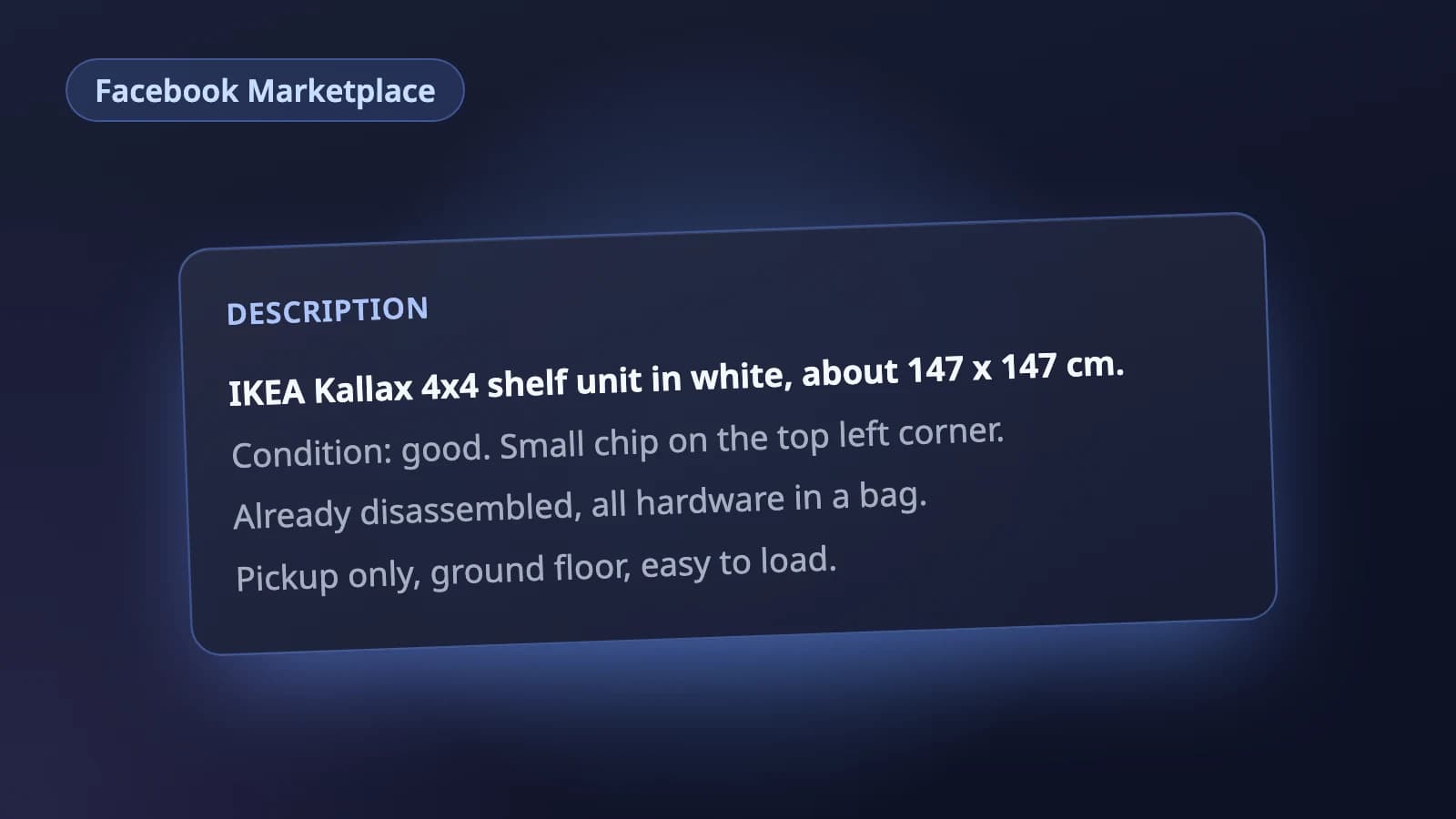
Choose the condition honestly, then back it up in the description. Meta's own tip: be sure to describe any stains or tears. A description that works for local buyers:
IKEA Kallax 4x4 shelf unit in white, about 147 x 147 cm.

Condition: good. Small chip on the top left corner (photo 4),
otherwise clean. Already disassembled, all hardware in a bag.

Pickup only, ground floor, easy to load.
What it is, its condition and flaws, then the practical details a local buyer needs to decide whether to come and get it.
Why listings get rejected
Meta reviews listings when its systems detect a possible violation or when someone reports them. A listing can be rejected for breaking Meta's Commerce Policies or Community Standards. Common causes:
- Prohibited items, such as alcohol, animals, recalled products, weapons, tobacco, used cosmetics, or digital products and subscriptions.
- No item for sale: posts that are announcements, jokes or questions rather than a listing.
- Services listed as items. Marketplace is intended for consumer to consumer sales of goods.
- Misleading listings: photos or descriptions that do not match the item.
If you believe a rejection is a mistake, you can request a review from the listing. Repeated violations can limit your access to Marketplace.
Keeping a listing current
- When an item sells, mark it as sold. Buyers who messaged you about it get a message that it has sold.
- Pending is there for when a sale is arranged but not done.
- Listings that sit inactive for a long time can be removed; Renew or editing the listing resets that clock.
A checklist before you post
- First photo shows the whole item clearly.
- Several original photos, including any flaws.
- Title starts with the brand and the item.
- Category and condition are set honestly.
- Description covers condition, size and pickup details.
- Nothing in the listing breaks the Commerce Policies.
Where Holgo fits
Holgo's Facebook Marketplace listing AI writes a Marketplace-shaped listing from your photos: a title with the item at the front, a plain text description with condition and flaws first, and a category and condition from Marketplace's own options. Marketplace has no listing API for individual sellers, so Holgo stays out of your Facebook account. You paste the listing in yourself, and the price, location and pickup details stay yours to set.
Let Holgo write the first draft
Upload photos of an item and Holgo writes the title, description and the details Facebook Marketplace asks for. Free credits to start, no store connection and no card.