
Listing Tool: AI Listing Generator for Online Sellers
Turns your photos into a complete SEO-ready listing
What the AI listing generator writes from a few photos
Most listing tools hand you a blank form. This AI listing generator starts from the photos you already took and reads them together to fill in the listing.
A few photos of one item
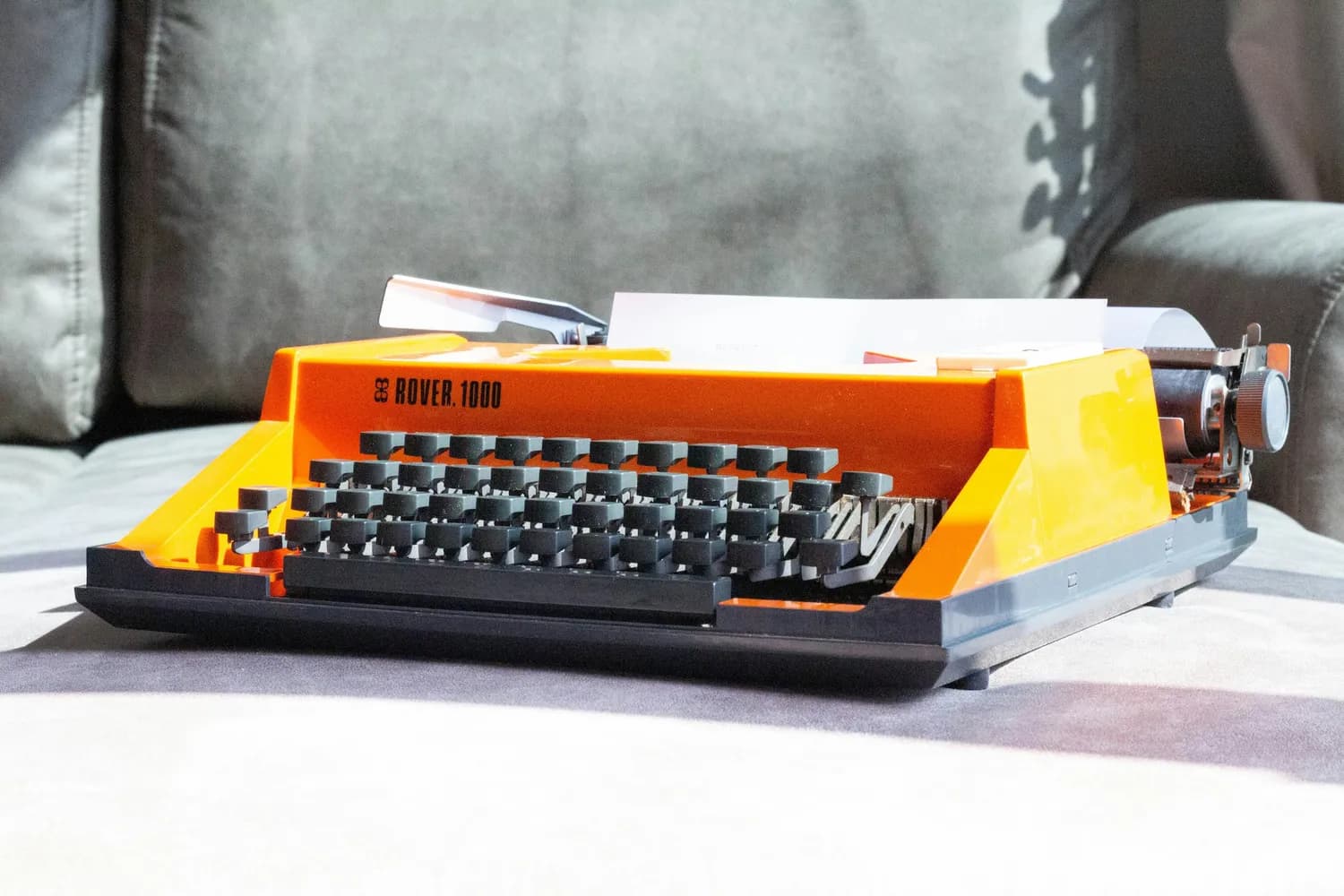
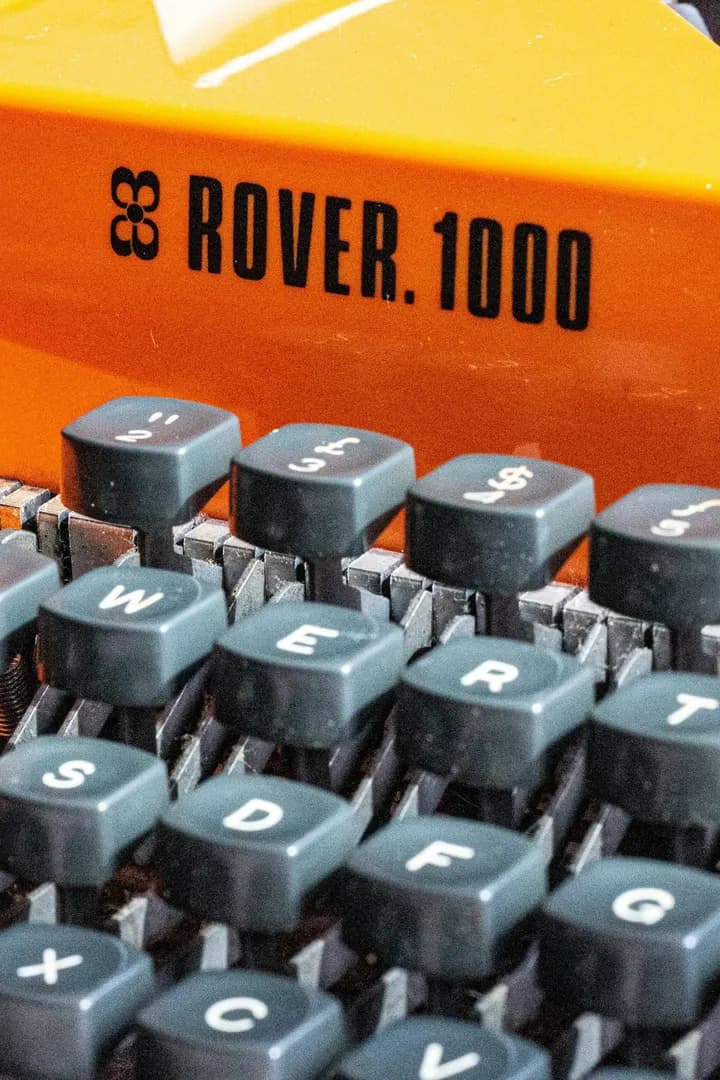


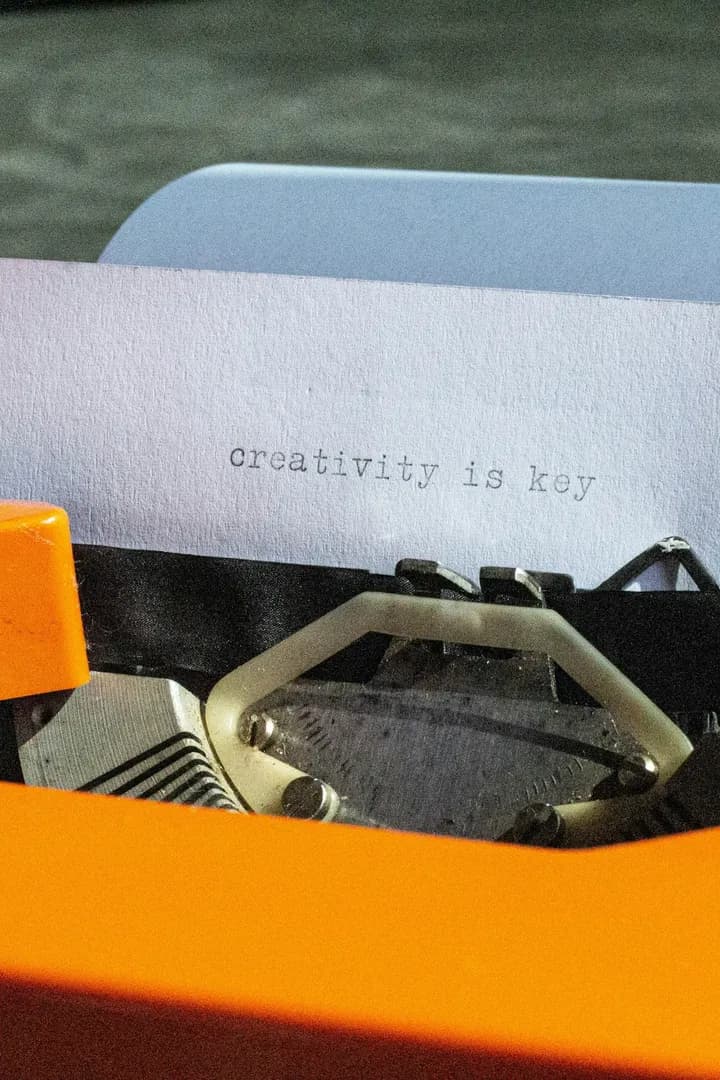
What comes back on Etsy
- Title
- Two titles, and you pick. One is concise, the way Etsy's own guidance asks, up to 15 words. The other is keyword-rich and fills most of the 140 characters.
- Description
- Plain text, because Etsy shows HTML to your buyers as raw source code.
- Tags
- Up to 13 buyer search phrases, with no duplicates wasting a slot.
- Who made it
- Suggested from what the photos show, for you to confirm, since Etsy treats it as your declaration.
- When it was made
- The field that decides whether Etsy files your item as vintage, suggested from the clues for you to confirm.
- Etsy category
- Picked from Etsy's own category tree when the photos place it, never invented to sound right.
- Suggested price
- A starting range for what the item actually turns out to be.
- Title
- Up to 80 characters, and the budget gets spent on real searchable traits, not filler.
- Description
- Clean text you can paste straight into eBay's description box.
- eBay category
- Settled from eBay's live catalog first, because which item specifics exist depends on it.
- Item specifics
- Filled from your category's own list, required ones first, never invented.
- Condition
- Chosen from the conditions your category allows, judged from your own photos.
- Brand, MPN, UPC, EAN
- Read off the labels and the item where your photos show them, and left out where they do not.
- Suggested price
- A starting range for what the item actually turns out to be.
- Title
- Up to 80 characters, led by brand and item name, then the size, colour and style words buyers search.
- Description
- Scannable plain text: measurements, fabric, condition flaw by flaw, hashtags at the end.
- Category
- Department and category from Poshmark's own tree, which decides your size chart and filters.
- Size
- Taken from your category's own chart, so it is a value the size dropdown actually offers.
- Color
- The most prominent first, kept to the slots Poshmark gives you, for buyers filtering by colour.
- New with tags
- Switched on only when the photos show tags or sealed packaging.
- Style tags
- Up to 3 silhouette, material or aesthetic words for Poshmark's own Style Tags field.
- Suggested price
- A starting range in whole dollars, plus the original price when known.
- Title
- Up to 80 characters, led by brand and model, then the traits buyers type into Mercari search.
- Description
- Plain text under the 1000 character cap: flaws one per line, measurements, what is included.
- Category
- Picked from Mercari's own list, with the subcategory filled in when one clearly fits.
- Condition
- One of Mercari's 5 tiers, judged from your close ups rather than defaulting to the kindest one.
- Size and color
- The label size for apparel and shoes, and the main colour, for the filters buyers narrow by.
- Hashtags
- Up to 3, added to the end of the description.
- Suggested price
- A starting range in whole dollars, inside the range Mercari's price field accepts.
- Title
- Up to 70 characters, the tightest cap here, spent on the words a buyer would actually type.
- Description
- Plain text, no markup: a spec list one per line, flaws named, and a local pickup note.
- Category
- Picked from Craigslist's own for sale list, which is where local buyers start browsing.
- Condition
- One of Craigslist's 6 values, judged from your close ups rather than rounded up a notch.
- Make and model
- Filled in as two separate values, because the posting form gives them two separate boxes.
- Size and dimensions
- Measurements, capacity or blade size, the detail a local buyer asks before driving over.
- Suggested price
- A starting range in whole dollars, the only kind the posting form's price box takes.
- Title
- Up to 100 characters, front loaded so the cropped version still says what it is.
- Description
- Plain text a local buyer can skim: what it is and its condition first, then flaws one per line.
- Category
- Picked from Marketplace's own tree, with the subcategory filled in when one clearly fits.
- Condition
- One of Marketplace's 5 values, judged from your close ups rather than rounded up a notch.
- Color
- The main colour when the photos settle it, and left out when they do not.
- Search tags
- As many as 20 words locals would really type, and none padded to reach a number.
- Suggested price
- A starting range in whole dollars, the only kind the Marketplace price box takes.
Then post what Holgo wrote, whichever way suits you
Copy and paste
Every marketplaceGenerate here, paste into Etsy, eBay, Poshmark, Mercari, Craigslist or Facebook Marketplace. Every field comes back ready to copy, so you can start on day one without setting anything up.
Try it with your photosConnect and publish
Etsy & eBaySell on Etsy or eBay? Connect your store once and Holgo publishes the whole listing straight to it, photos and all, in seconds. Everything else stays copy and paste for now.
Connect your storeListing by hand, or with a listing tool
A listing is the same set of jobs on every marketplace. Here is who does each one.
| Job | By hand | With Holgo | |
|---|---|---|---|
| Copy and pasteEvery marketplace | Connect and publishEtsy & eBay | ||
| Starting point | By handAn empty form, and whatever you can find out about the item yourself. | With HolgoThe photos you already took, read together, plus a line about anything they can't show. | |
| Category | By handHunted for in each marketplace's own category tree. | With HolgoPicked from that marketplace's own categories, or left for you when nothing fits. | |
| Marketplace fields | By handItem specifics, tags, sizes: a different set on every marketplace, filled in one by one. | With HolgoWhatever that marketplace asks for, from eBay's item specifics to Etsy's tags, in its own names and limits. | |
| Title | By handKeywords guessed at, then trimmed until they fit. | With HolgoBrand and model first, written to each marketplace's own length and style. | |
| Description | By handWritten from scratch, or pasted from the last listing. | With HolgoWritten for this item from what the photos and your notes show, inside that marketplace's own limits. | |
| Condition | By handGraded from memory. | With HolgoJudged from your close-ups, in that marketplace's own condition terms wherever it asks for one. | |
| Photos | By handCleaned up in another app, one photo at a time. | With HolgoBackgrounds removed and crops and brightness fixed in the same place, with the item itself never redrawn. | |
| Getting it listed | By handEvery field typed into the marketplace's form. | Copy and pasteCopy each field into the marketplace's form, or download the text and photos as one file. | Connect and publishReview it on one page, then publish to your Etsy shop or eBay account. It goes live in seconds, photos included. |
| What's left for you | By handAll of it. | Copy and pasteTake the photos, then paste. | Connect and publishTake the photos, review, publish. |
A listing tool that cleans up your photos too
Shot on a kitchen table with the mail in frame? Cut the background to plain white, rotate and crop it, and the item is ready for a marketplace grid.

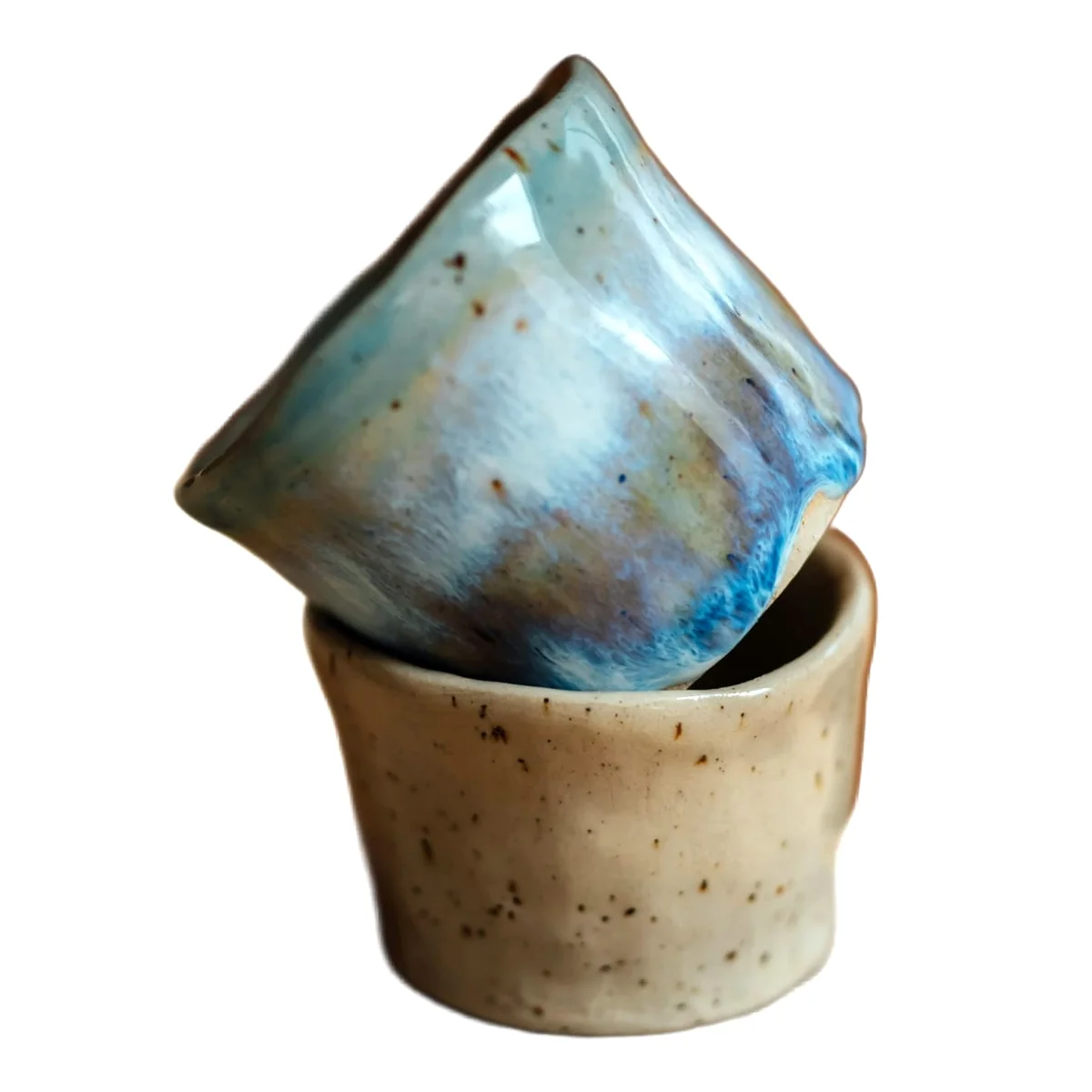
Background removed
Swap clutter for plain white, light grey, or a transparent PNG, the background eBay recommends for a main image.
Rotated and cropped
Turn a sideways shot upright, then crop square or freehand, the framing search grids are built around.
Brightness and colour
A gentle touch-up for photos shot in bad indoor light, so the colour a buyer sees is the colour that arrives.
Your item is never repainted. The background is cut out, not regenerated, so no detail of your item is invented.
A listing tool your whole team works in
Your shop's listings live in one place, so anyone can carry on where a teammate left off.
| Who can do what | Owner | Admin | Member |
|---|---|---|---|
| Create, edit and publish listings | Can | Can | Can |
| Invite teammates | Can | Can | Can't |
| End, relist or delete listings | Can | Can | Can't |
| Set store defaults | Can | Can | Can't |
| Connect stores, manage the plan and buy credits | Can | Can't | Can't |
One list for the whole shop
Every listing in every store, each one marked with who created it, or narrowed to just your own.
Pick up any listing
A listing a teammate started is yours to finish: open it, change what needs changing and post it.
Shared stores and credits
Connect a store once and the whole team can publish to it, all drawing on one credit balance.
Team seats come with paid plans: up to 2 people on Starter, 5 on Standard and as many as you need on Premium. Compare plans
A listing tool for everything you sell
Not just electronics. Photograph almost anything you sell and this AI listing tool can name it, categorise it and write it up, including the things you can't identify yourself.
Category, Marketplace
Title Holgo wrote
- Vintage clothing, EtsyVintage 1970s Blue Floral Cotton Puff Sleeve Midi Dress Size M Concise titleVintage 1970s Floral Midi Dress, Puff Sleeve Sundress, Blue Cotton Prairie Dress, Boho Cottagecore Style, Retro 70s Fashion, Women's Size M Keyword-rich title
- Computer parts, eBaySamsung MZ-V7S1T0B/AM 970 EVO Plus 1TB NVMe M.2 SSD PCIe 3.0 2280 Internal Drive
- Sneakers, PoshmarkNike Air Max 90 CN8490-100 Triple White Men's Size 10.5 Low Top Sneakers
- Collectibles, MercariVintage Pyrex Spring Blossom Green Cinderella Nesting Mixing Bowls Set of 4
- Bikes, CraigslistTrek FX 2 Hybrid Bike 20in Aluminum Frame 24 Speed Commuter, Tuned Up
- Power tools, FacebookDeWalt DCD771C2 20V MAX Cordless Drill Driver Kit, 2 Batteries, Charger and Contractor Bag, Like New
Example titles from the AI listing generator, one per marketplace, each in that marketplace's own format.
What this listing tool gives you, whatever you sell
List more in less time
No blank form, no category hunt, no typing field by field, and connecting Etsy or eBay skips pasting too. The less time each item takes, the more you get listed.
You do not need to know what it is
Never seen the brand? Holgo reads it off the photos, labels, barcodes and part numbers included, then fills the category and fields.
Written to be found
Keyword-rich titles plus the exact specifics and tags buyers filter by, which is what decides whether your item appears at all.
Listing tool questions, answered
What sellers ask about Holgo before they start: which marketplaces the listing tool writes for, how the connect and copy modes differ, and what it costs to try.
Holgo is an AI listing tool for online sellers. Photograph an item and its AI listing generator writes the title, description, category, the item specifics or tags that marketplace uses, the condition and a suggested price. You copy the result across, or connect your Etsy shop or eBay account and publish it in seconds.
The blank form. Listing by hand means naming the item, hunting for its category, filling every field the marketplace asks for and guessing a price. A listing tool like Holgo does all of that from your photos, so how much you list stops being limited by how many evenings you have.
Etsy, eBay, Poshmark, Mercari, Craigslist and Facebook Marketplace. Holgo is one listing tool for all six, and it writes each one in that marketplace's own format, with its fields and its limits, so you choose the destination before generating rather than reformatting afterwards.
No. Copy mode works for all six: the listing tool writes the listing here and you paste it into the marketplace. If you sell on Etsy or eBay you can also connect your shop or account, and Holgo publishes to it directly, photos included. Connecting isn't available on every account or in every region; copy mode always is.
Rather than reading one photo at a time, the AI listing tool reads them all together, so the brand, model, part numbers, barcodes and condition come from whichever shot happens to show them. Before filling anything in it checks the marketplace's own categories and fields, which is why it does not invent attributes that get a listing rejected.
Yes. Holgo cuts the background to plain white, light grey or a transparent PNG, turns a sideways shot upright, crops it square for marketplace search grids, and adjusts brightness and colour. The background is cut away rather than regenerated, so no part of your item is ever redrawn.
Always. In copy mode you paste the listing into the marketplace's own form, where every field is yours to change before you post. Connect your Etsy shop or eBay account and you edit it in Holgo instead: title, description, condition, item specifics, tags and price, all before anything goes live. Holgo gives you a head start, not the final word.
Almost any physical item you sell. Sneakers, vintage clothing, collectibles, home goods, power tools, even rocks and minerals. Holgo is a general AI listing tool, not one built for electronics, and it does not need you to know the brand or model before you start.
Yes, on a paid plan. Your shop works as one organisation: everyone sees the same listings, anyone can pick up a listing a teammate started, and the whole team shares one credit balance and the stores you connect. Each person's role decides what they can do, and the pricing page lists how many seats each plan includes.
You start with free credits and no card, and the Free plan tops them up every month. Generating an AI listing spends credits, and when they run out you can top up or subscribe. Since copy mode needs no store connection, you can try the whole listing tool start to finish before deciding.
Yes. One sign-in can belong to several organisations, say your own shop and one you help run, and you switch between them from the top bar. Each organisation keeps its own plan, credits, stores and listings.
Try the AI listing generator on something you need to sell
Photograph one item, watch the listing tool turn it into a finished listing, and decide from there. Free credits to start, no store connection and no card.
Selling somewhere in particular? Start on that marketplace's own page.