How to Title eBay Listings: Using All 80 Characters Well
How to write an eBay title that buyers find: what goes first, how to fill all 80 characters, and the words eBay asks you to leave out.
Published Updated
An eBay title has a hard limit of 80 characters, and most of what eBay's search has to match a buyer's words against sits inside those 80 characters. eBay's own listing best practices are direct about it: use all 80 characters and focus on relevant keywords.
That does not mean stuffing it. It means spending the space on words a buyer would actually type, in an order that still reads as a description of one item.
The order that works
eBay's guidance is to lead with the most relevant keywords and keep them in a readable, logical order. For most items that comes out as:
- Brand (or maker, or designer)
- Product line and model, including the model number if there is one
- The item type, in the words buyers use: camera, jacket, stand mixer
- Key attributes: size, color, capacity, material, compatibility
- Condition or notable detail if it matters to the search: new with tags, sealed, 1st edition
A worked example, built up step by step:
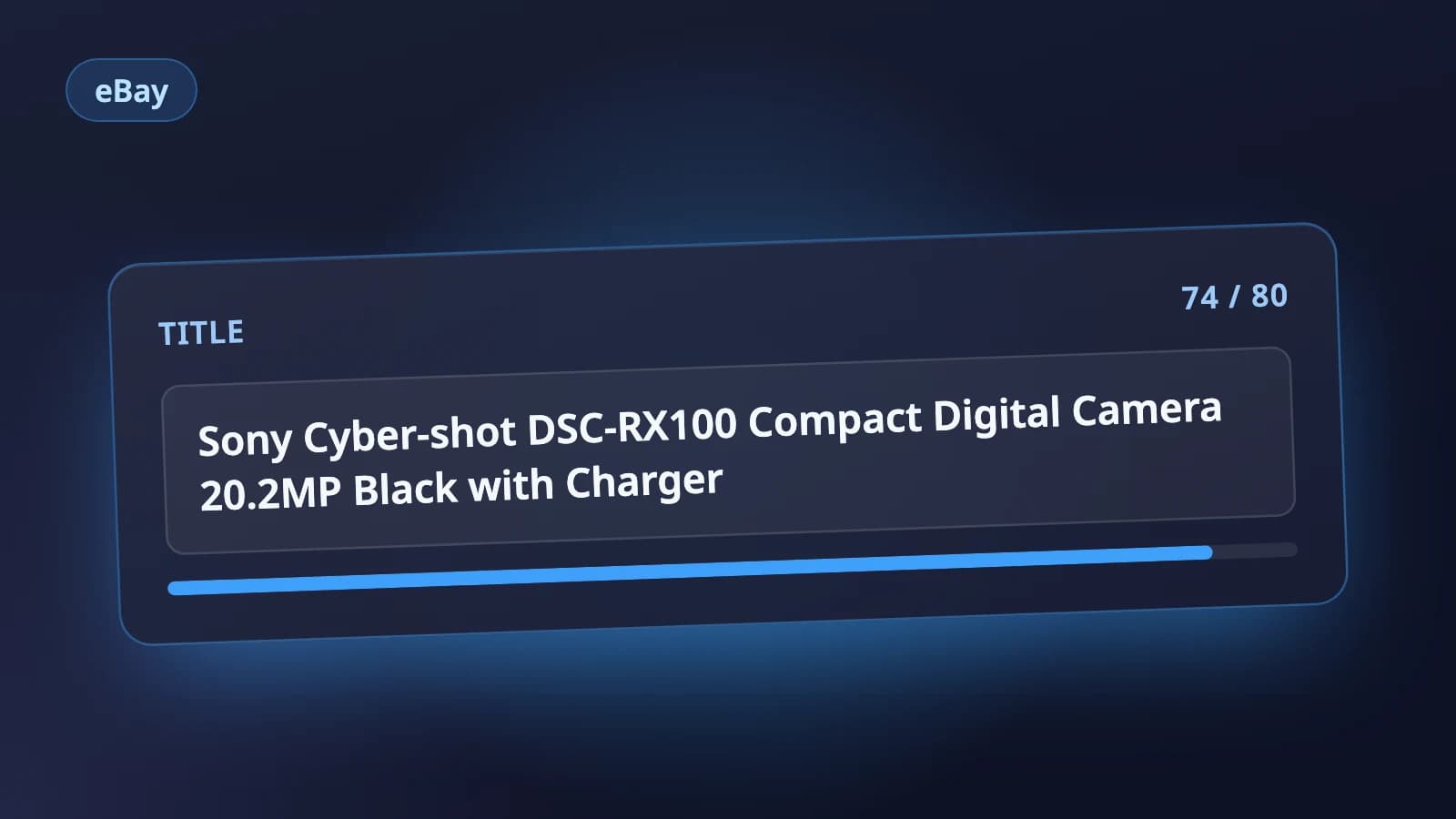
Sony Cyber-shot DSC-RX100 Compact Digital Camera 20.2MP Black with ChargerThat is 74 characters. Brand first, model line and model code next, then what it is, then the specs a camera buyer filters by. Nothing in it is there only to take up space.
How to fill the space without padding
If you are short of 80 characters, add more of what a buyer might search for and that is true of this item:
- A second way people name the item (crossbody bag and shoulder bag are both searched)
- A size or measurement (32x30, 10 inch, 1.5 qt)
- What is included (with box, with charger, set of 4)
- A style, pattern or era (mid century, plaid, Y2K)
Every word should describe this listing. If a word would be just as true of the next listing in the search results, it is probably not earning its place.
What to leave out
eBay asks sellers to:
- Avoid all caps and decorative characters such as asterisks, unless they are part of the product's name. Shouting the title does not help it get found.
- Avoid abbreviations buyers may not know. eBay's own example is NIB; write new in box if you have the room.
- Never add keywords that are not about the item. eBay's search manipulation policy covers adding popular keywords, other brand names or comparisons ("like Nike") that do not describe what you are selling. Every word should refer to the item for sale.
Filler like wow, look, rare!!! and great deal takes characters away from words buyers search for.
What about the subtitle?
eBay offers an optional subtitle of up to 55 characters, shown in search results and on the listing. It is a listing upgrade rather than part of the standard form, so check eBay's current fees before adding one, and it is not a substitute for a good title. Spend the 80 title characters first, then decide whether the extra line is worth it for a particular item.
A checklist before you list
- Brand and model are at the front.
- The item type is in plain words.
- Size, color and other filterable details are included.
- No all caps, no symbols, no unknown abbreviations.
- Nothing in the title is untrue or about a different product.
- You have used close to all 80 characters.
Where Holgo fits
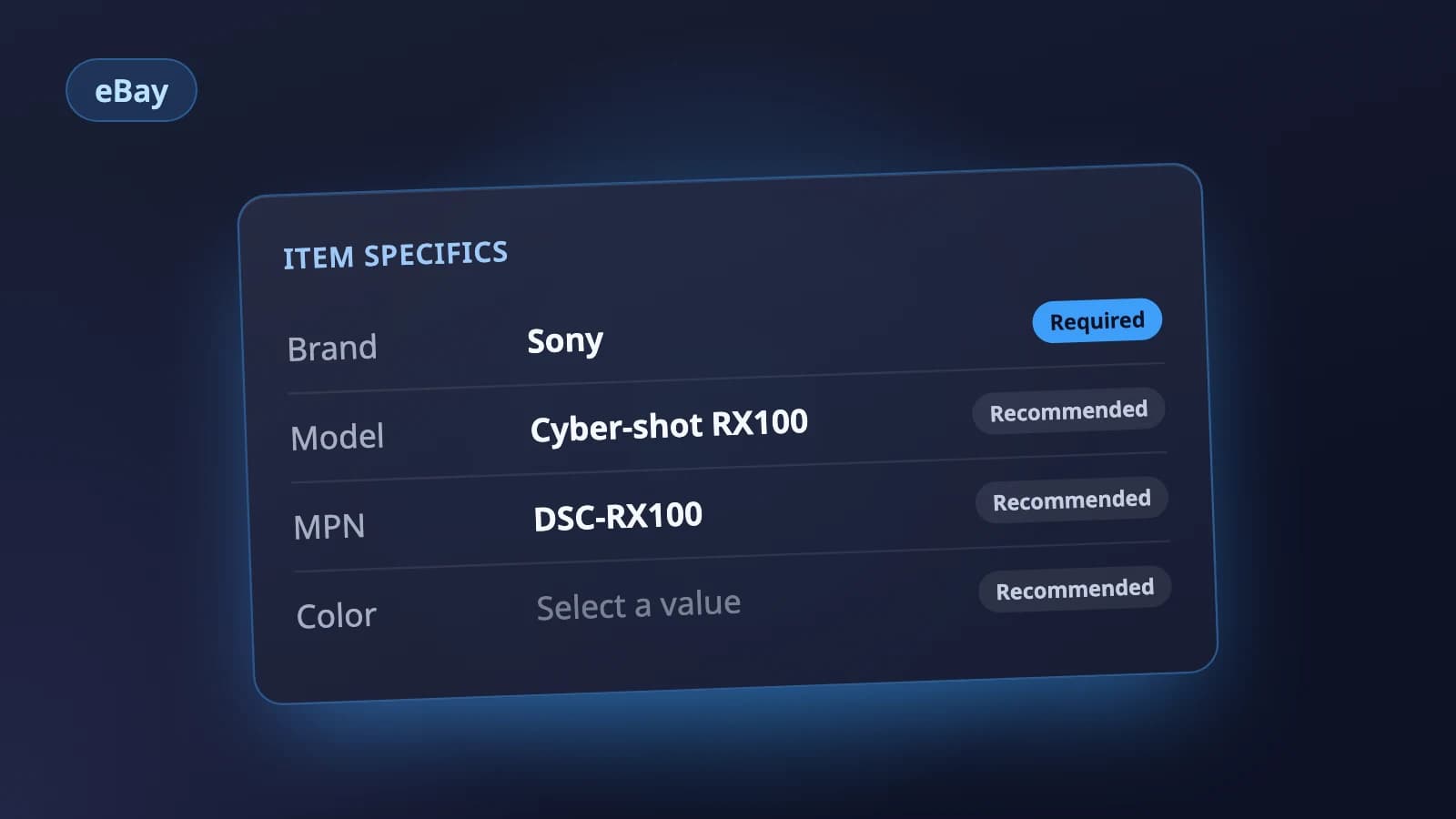
Holgo's eBay listing AI writes titles in exactly this shape: brand first, the model code kept, and the rest of the 80 characters filled with traits the listing itself states, not with filler words. The title is written alongside the item specifics, so the details in one match the other. You can paste it into eBay's form, or connect your eBay account and edit it on a review page before you publish.
Let Holgo write the first draft
Upload photos of an item and Holgo writes the title, description and the details eBay asks for. Free credits to start, no store connection and no card.