Facebook Marketplace Listing Not Getting Views? What You Can Control
Why a Facebook Marketplace listing gets few views, what Meta actually says about how buyers find items, and the fixes that are in your hands.
By HolgoPublished
You listed something on Facebook Marketplace, and a day later nobody has messaged. It is tempting to look for a trick: a better posting time, a magic word, deleting and reposting. Most of what circulates as Marketplace advice is guesswork, because Meta publishes very little about how listings are shown.
This guide sticks to what Meta does say, and to the parts of a listing you control.
What Meta says about how buyers find listings
Meta's help center describes the ways buyers find items: they search for something specific, browse by category, filter the results, and change the location and distance they are shopping in.
Meta does not publish how listings are ranked, and it does not publish a view count for ordinary listings. So treat any claim that a certain posting hour, keyword count or hashtag "beats the algorithm" with suspicion. What you can do is make sure the listing works for each of those paths: it can be found by search, it sits in the right category, and it makes sense to a buyer nearby.
First, check the listing is actually live
A listing with no messages is sometimes a listing nobody can see. Meta reviews listings when its systems detect a possible violation or when someone reports them, and a listing can be rejected for breaking the Commerce Policies or Community Standards.
To check, open Your listings in Marketplace and look under Needs attention. Selecting See details on a listing there shows why it was rejected. If you think it was a mistake, you can request a review from your profile's status page. Meta notes a review may not be available after 180 days, or if you have already asked for one.
Common reasons a listing is pulled:
- The item is on the prohibited list, such as alcohol, animals, recalled products, weapons, tobacco, used cosmetics, or digital products and subscriptions.
- The post has no item for sale: a question, an announcement or a joke.
- It is a service rather than an item. Marketplace is meant for consumer to consumer sales of goods.
Repeated violations can limit your access to Marketplace, so it is worth fixing the cause rather than reposting the same listing.
Make it findable by search
Buyers who search type what the item is. Your title should start with the same words:
Weber Spirit II E-310 Gas Grill, BlackBrand, model and what it is come first, then the detail that separates it from similar listings. A title like Grill for sale, must go this weekend tells a searching buyer nothing they would type.
Then describe it in plain sentences, not a list of keywords. The description is written for the buyer reading it.
Make it findable by browsing
Not every buyer searches. Some open a category and scroll. If your grill is filed in a catch-all category, a buyer browsing outdoor and garden items never sees it. Choose the category a buyer would open to look for your item, and check it again if you change what the listing is for.
Win the scroll with the first photo
In a feed, the first photo is what a buyer sees before anything else. Meta's own tips for sellers:
- Use photos that clearly show the item and its condition.
- Use several original photos of the item, rather than a picture from a company website.
- Describe any stains or tears, and clean used clothing and shoes before photographing them.
Make the first photo the whole item, in good light, with nothing else competing for attention. Save the close-ups of wear, labels and accessories for the photos after it.
Make it worth a local trip
Because buyers set the location and distance they shop within, your listing is competing with others nearby. A buyer has to decide whether it is worth the drive. Answer the questions they would otherwise have to message about:
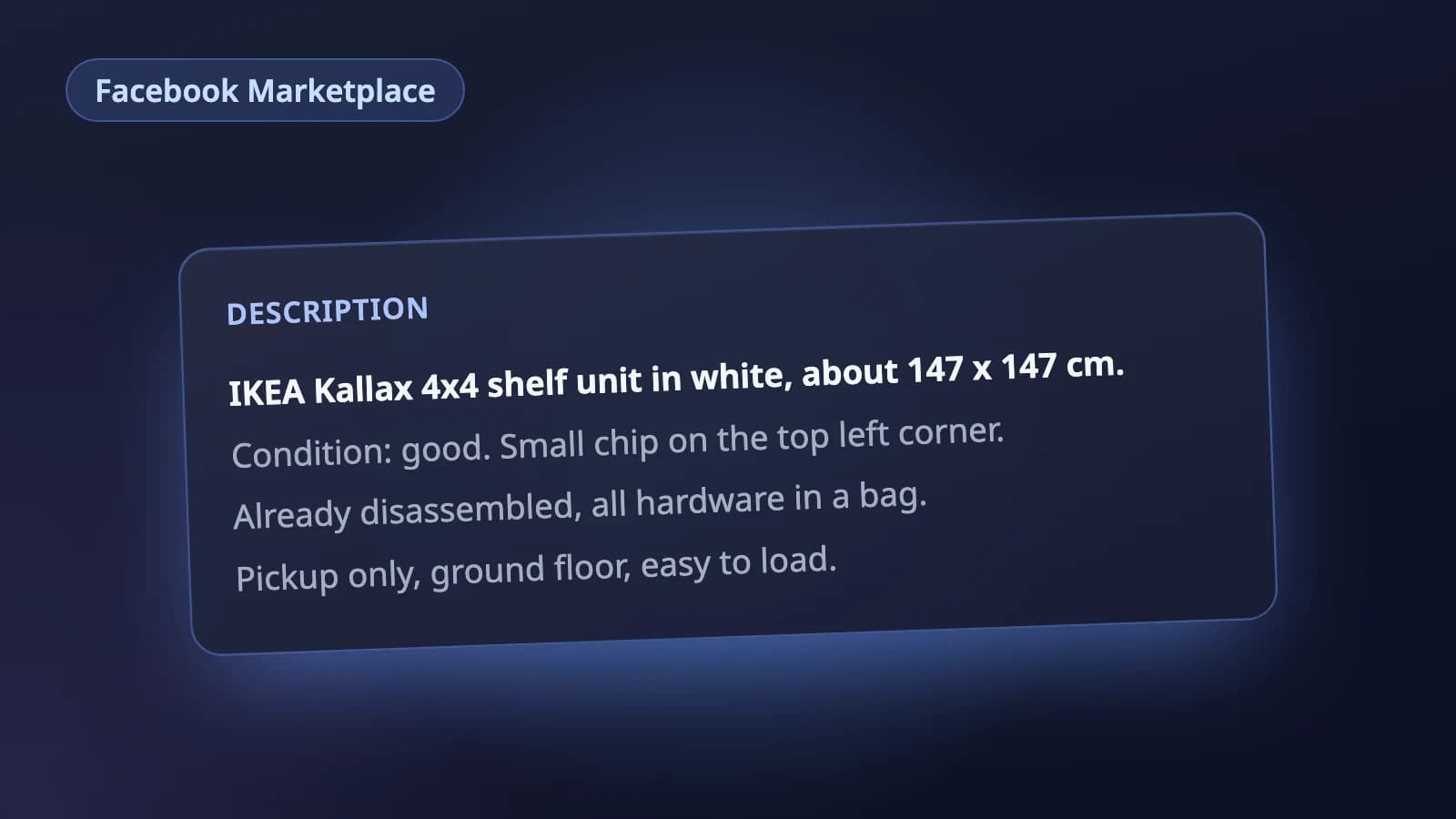
Weber Spirit II E-310 propane gas grill, three burners.

Condition: good. Grates cleaned, some rust on the
warming rack (photo 5). Lights first time.

Tank not included. Pickup only, ground floor, garage access.
Price is firm.
What it is, the condition with its flaws, how pickup works, and where you stand on price. A listing that answers those questions gets messages from people who have already decided they want it.
The question we get most from local buyers is whether the price can come down. Say it in the listing either way: Price is firm if it is, or that you are open to reasonable offers if you are. It saves a round of messages, and the buyers who write already know where you stand.
Edit instead of starting over
When a listing is not working, change it: open Marketplace, then Selling, Your listings, choose Options on the listing, then Edit listing, make your changes and select Update. A better first photo, a clearer title or the right category is a real fix.
When one of our own Marketplace listings sat with no messages, what turned it around was editing two things: the title, and the photos, the first photo most of all. We kept the same listing and fixed what a buyer sees in the feed.
Deleting and reposting the same listing is a popular tip, but Meta does not say it helps. The one thing Meta documents about refreshing a listing is housekeeping: listings inactive for two years or more may be deleted, and renewing or editing a listing resets that clock.
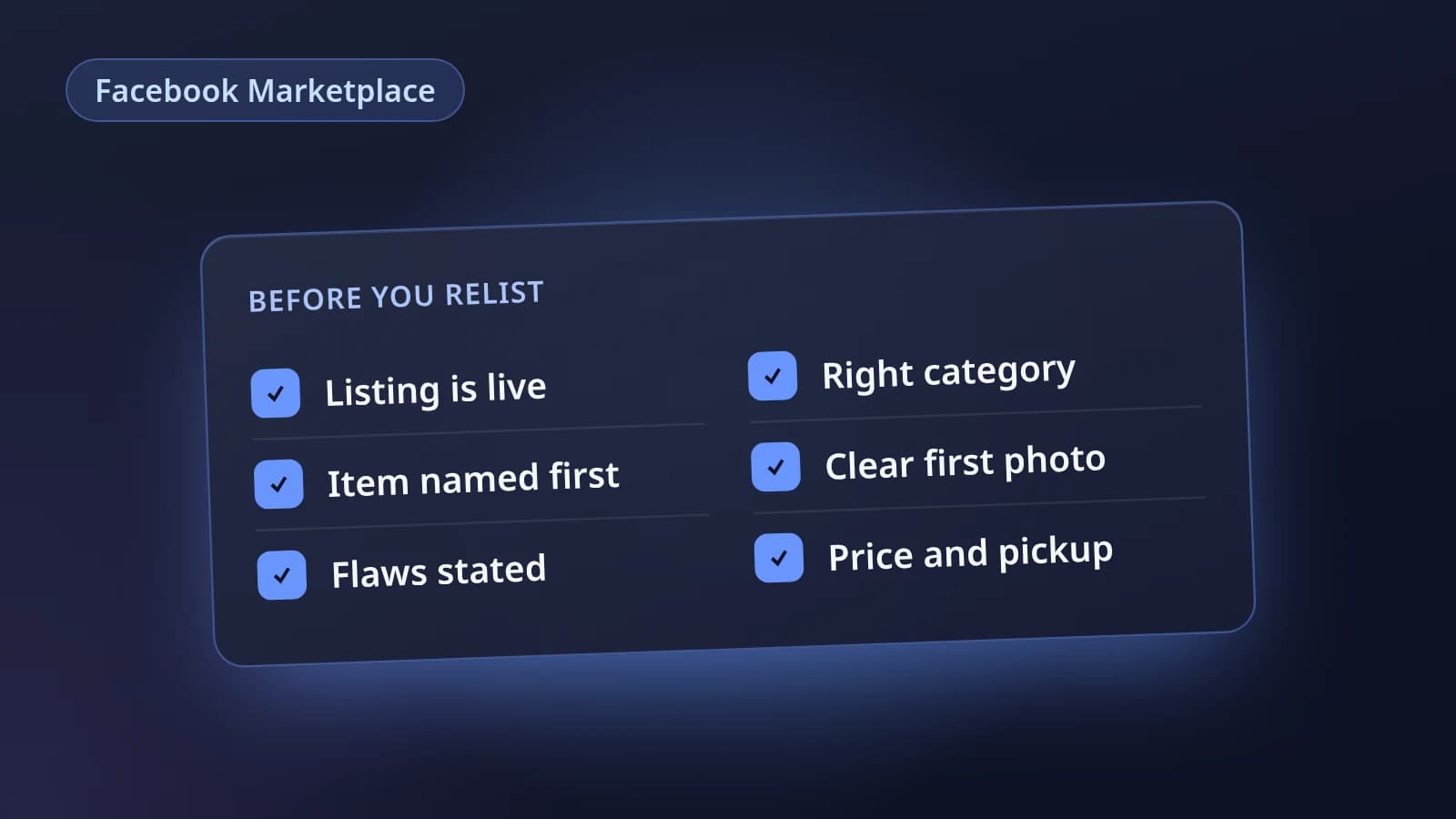
A checklist before you relist
- The listing is live, with nothing under Needs attention.
- The title starts with the brand, model and what the item is.
- The description is written in plain sentences, not a keyword list.
- The category is the one a buyer would browse.
- The first photo shows the whole item clearly; later photos show any flaws.
- Condition, flaws, pickup details and whether the price is negotiable are in the description.
- Nothing in the listing breaks the Commerce Policies.
For more on each part of the form, see our Facebook Marketplace listing tips and the guide to listing photos.
Where Holgo fits
Holgo's Facebook Marketplace listing AI writes a Marketplace-shaped listing from your photos: a front-loaded title, a description with condition and flaws first, and a category and condition from Marketplace's own options. Marketplace has no listing API for individual sellers, so Holgo stays out of your Facebook account. You paste the listing in yourself, and the price, location and pickup details stay yours to set.
Let Holgo write the first draft
Upload photos of an item and Holgo writes the title, description and the details Facebook Marketplace asks for. Free credits to start, no store connection and no card.
Sources
The marketplace rules in this guide come from these pages.
- Find items to buy on Facebook Marketplace (Facebook Help Center)
- Sell something on Facebook Marketplace (Facebook Help Center)
- What to do if your Facebook Marketplace listing is rejected (Facebook Help Center)
- Commerce Policies (Meta)
- How long do my Facebook Marketplace listings stay active? (Facebook Help Center)
- Edit your Facebook Marketplace listing (Facebook Help Center)