eBay Categories: How to Pick the Right One for Your Listing
How to choose an eBay category: where the suggestions come from, why the deepest level matters, what the category changes, and when a second one is worth it.
By HolgoPublished
The category is the first real decision on an eBay listing, and it is easy to wave through. eBay suggests one as soon as you type a title, it looks about right, and you move on to the photos.
But almost everything after that depends on it: which item specifics the form asks for, which condition grades you can pick, which fees apply, and which buyers browsing by category ever see the listing. This guide covers how to choose an eBay category deliberately, and what to check before you accept the suggestion.
Why the category matters
eBay's help page on adding a category to your listing puts it simply: "Lots of buyers refine their searches by category, so choosing the right category will make your item easier to find."
That is the visible part. The less visible part is that the category sets up the rest of the form:
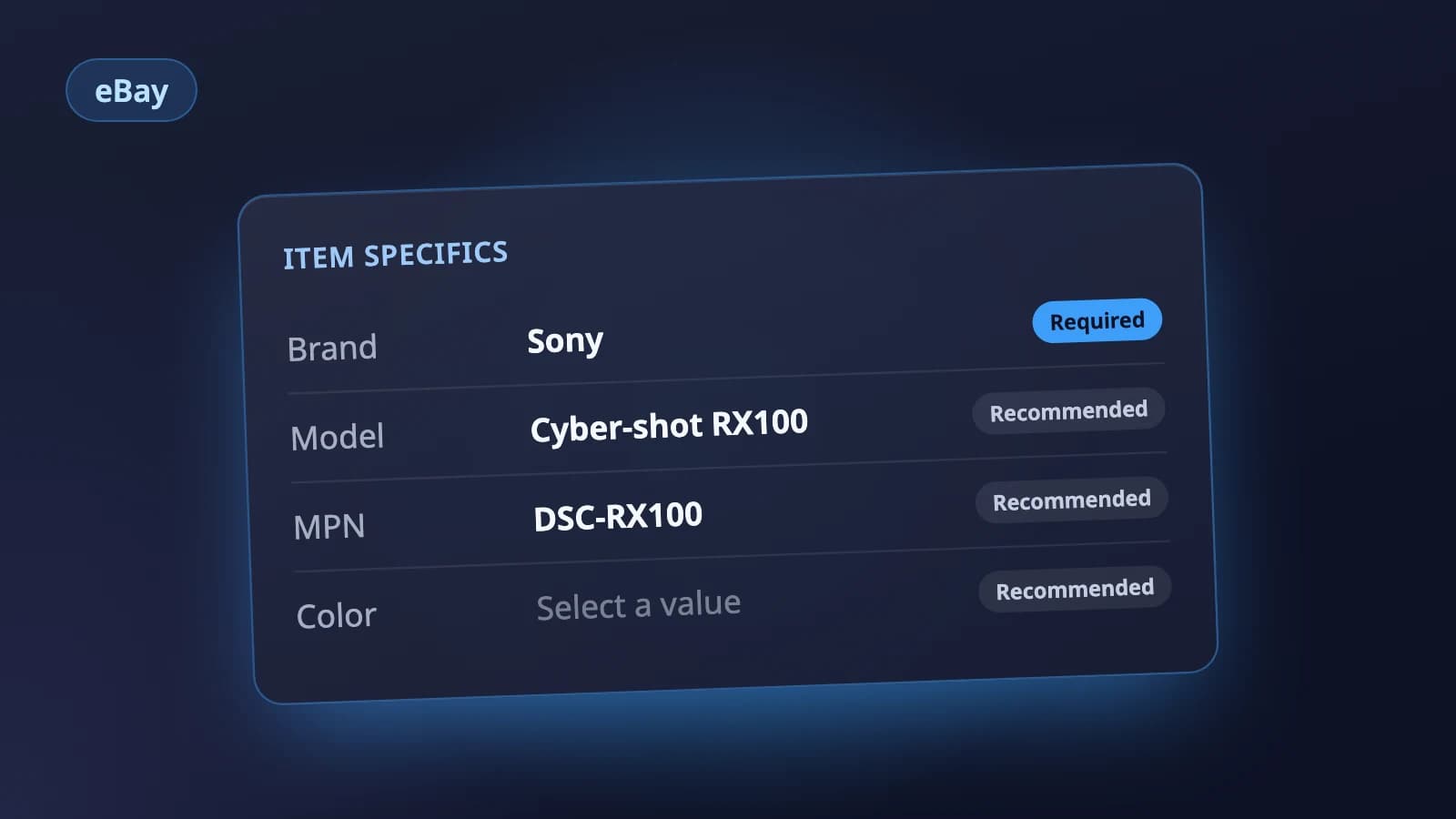
- Item specifics. eBay sets the Required item specifics for each category, so a lens and a jacket get completely different lists. More on this in our guide to eBay item specifics.
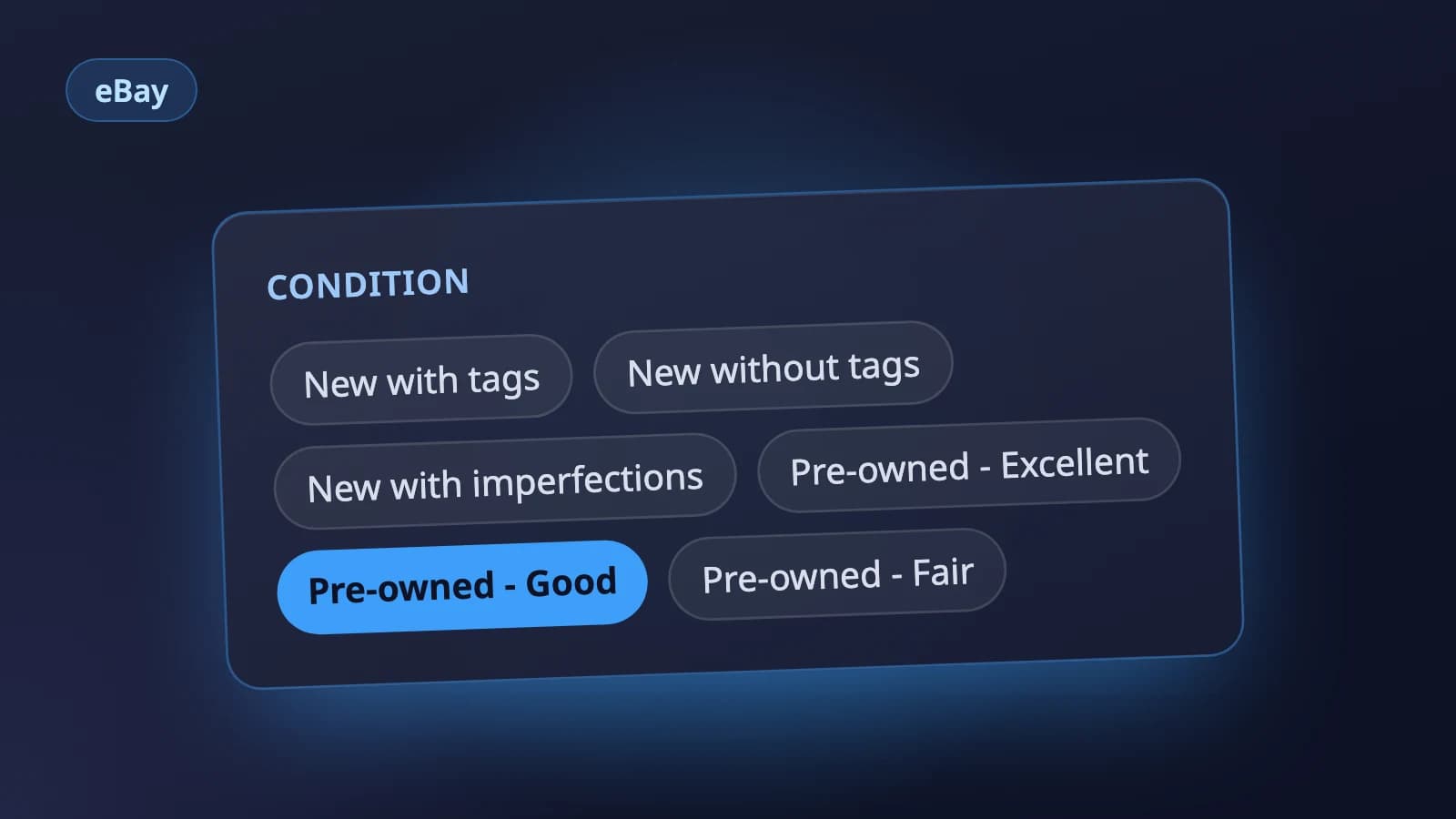
- Condition. The condition options on the form depend on the category you list in. Clothing has its own pre-owned grades, books have theirs, electronics have Open box and For parts or not working. See eBay item condition for what each one means.
- Listing features. eBay's developer documentation notes that some features only exist in certain categories, such as a reserve price on an auction or parts compatibility for vehicle parts.
- Fees. Selling fees depend on the item's price, the format and the category (more below).
So a wrong category is not only a browsing problem. It can leave you filling in item specifics that do not describe your item, and missing the ones buyers filter by.
How eBay suggests a category
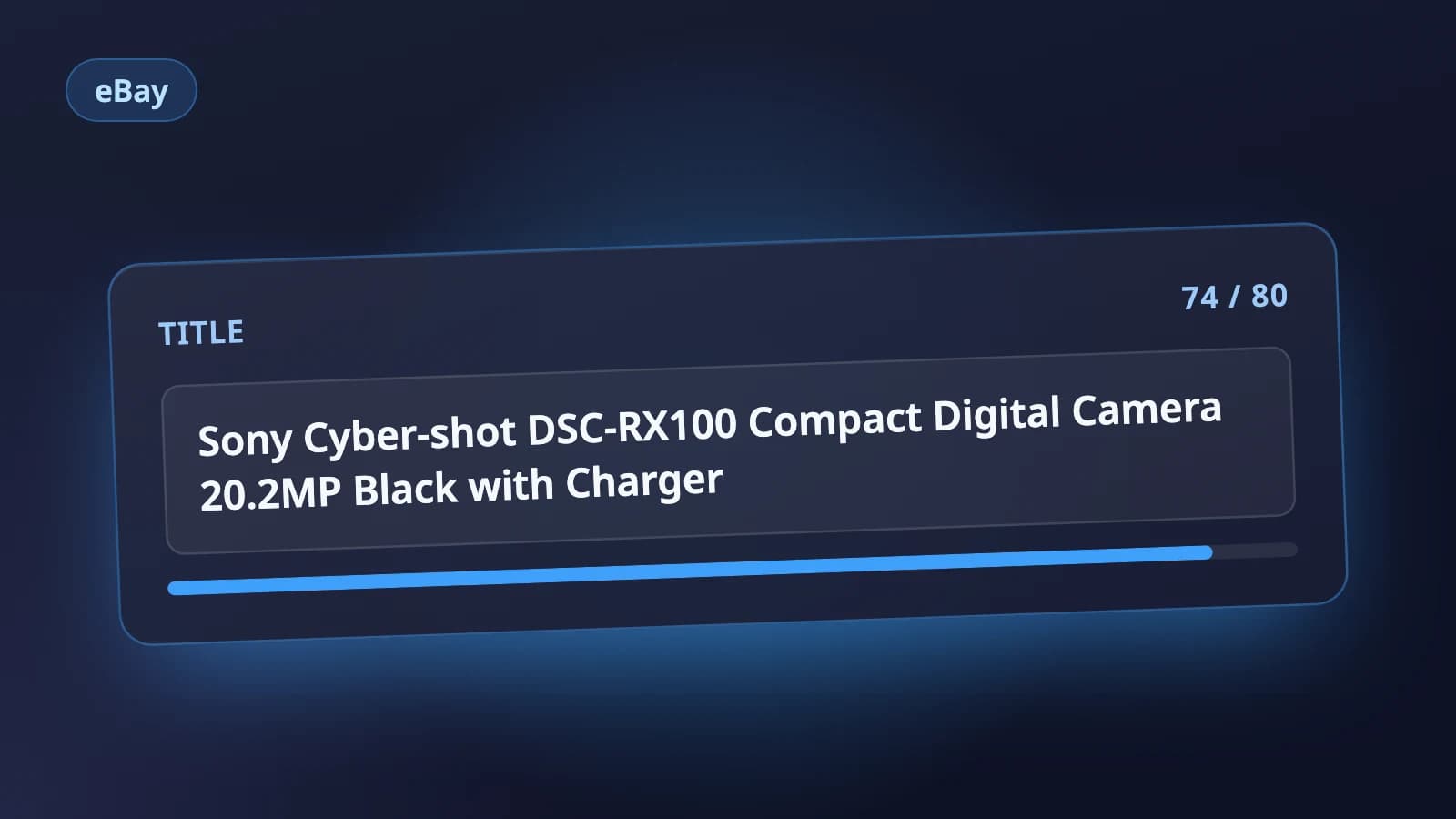
When you start a listing, eBay usually fills in the category with suggestions based on your title. That is why the title comes first: a vague title like Black camera thing gets vague suggestions, while Sony FE 50mm f/1.8 Lens for E-mount gives eBay the brand, the model and the item type to match on.
If you disagree with the suggestion, the form has Search categories and Browse categories to find another one. Categories you have used before are saved, so you can pick them again next time.
Treat the suggestion as a starting point. It is a match on your words, not a judgment about your item.
Go to the deepest level
eBay's categories are a tree. At the top are broad groups like Collectibles & Art or Electronics; below them are narrower and narrower branches. Listings sit in leaf categories, the last level of a branch. eBay's own example is a five-level path:
Collectibles & Art > Collectibles > Autographs > Political > PresidentialThe deeper the category, the more exactly its item specifics and buyers fit your item. When two leaves both seem plausible, ask which one a buyer looking for this exact item would click into, and pick that one.
A routine for choosing an eBay category
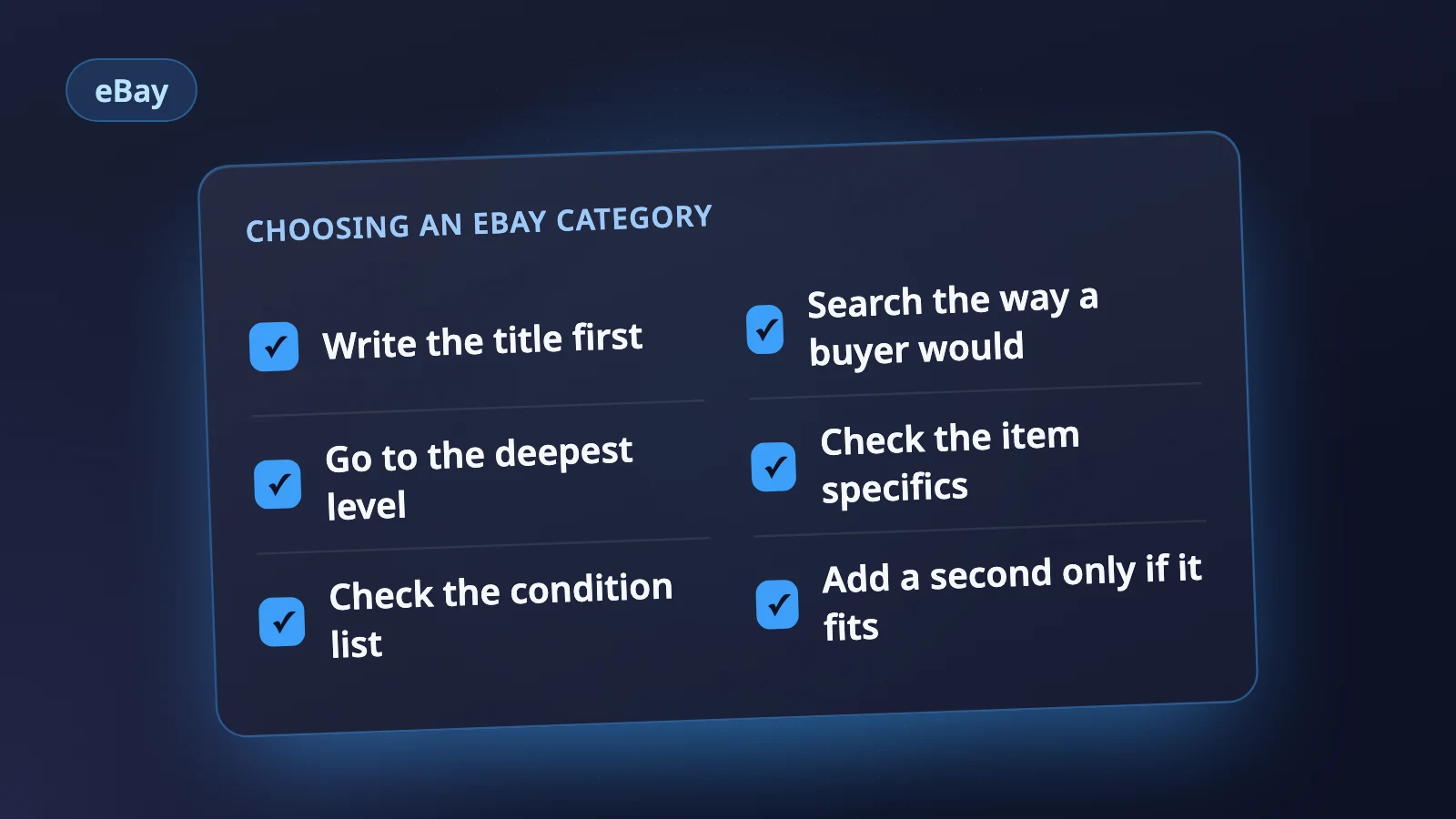
- Write the title first. Brand, model and item type in the words a buyer would use. Our guide to eBay listing titles covers the order.
- Read the suggestions. Look at the full path of each one, not just the last word.
- Search or browse if none fits. Use the item type a buyer would type, not a category name you are guessing at.
- Check the item specifics list. If the Required fields do not describe your item (clothing sizes for a camera lens, say), you are in the wrong place.
- Check the condition list. If the grades on offer do not fit what you are selling, that is another sign.
- Only then fill in the rest. Changing the category later changes the item specifics and condition lists with it, so settle it before you spend time on them.
eBay notes that it will sometimes change the category if your selection does not match the item, and that it investigates complaints and moves listings if necessary. Picking a category only because it seems less crowded is not a strategy.
Fees and the category
eBay's selling fees page says the amount depends on the item's price, the format and the category you choose. At the time of writing, on eBay.com the basic final value fee is 13.6% for most categories and 15.3% for Books & Magazines, Movies & TV and Music (with exceptions), plus a per order fee. Those rates change, so check the page rather than relying on a number you remember.
The point is not to choose a category for its fee. It is to know that the fee follows the category you pick, and to check it when you list something new to you.
Should you add a second category?
eBay lets you add a second category from Add a second category in the Product details section of the form. Before you do, know the trade-offs eBay lists:
- You pay an insertion fee for the second category, even on a listing that would otherwise be free.
- If the item sells, the higher of the two final value fees is charged.
- The item has to be fully relevant to both. eBay's example is a vintage table from Japan, listed in both Asian Antiques and Antiques > Furniture.
- Some categories do not allow a second one at all, including Motor Vehicles and Real Estate.
A second category makes sense when buyers genuinely browse for the same item in two places, as in eBay's example. It does not make sense for an item that only loosely fits the second one.
Where Holgo fits
Holgo's eBay listing AI starts in the same place this guide does. It settles the category first, by looking the item up in eBay's live catalog, then fills in that category's own item specifics from your photos, required fields first, with each name spelled exactly the way eBay spells it. Conditions come only from the ones the category allows, and anything the photos cannot settle is left empty for you rather than guessed. You can paste the result into eBay's form, or connect your eBay account and review it on one page before publishing.
Let Holgo write the first draft
Upload photos of an item and Holgo writes the title, description and the details eBay asks for. Free credits to start, no store connection and no card.
Sources
The marketplace rules in this guide come from these pages.